

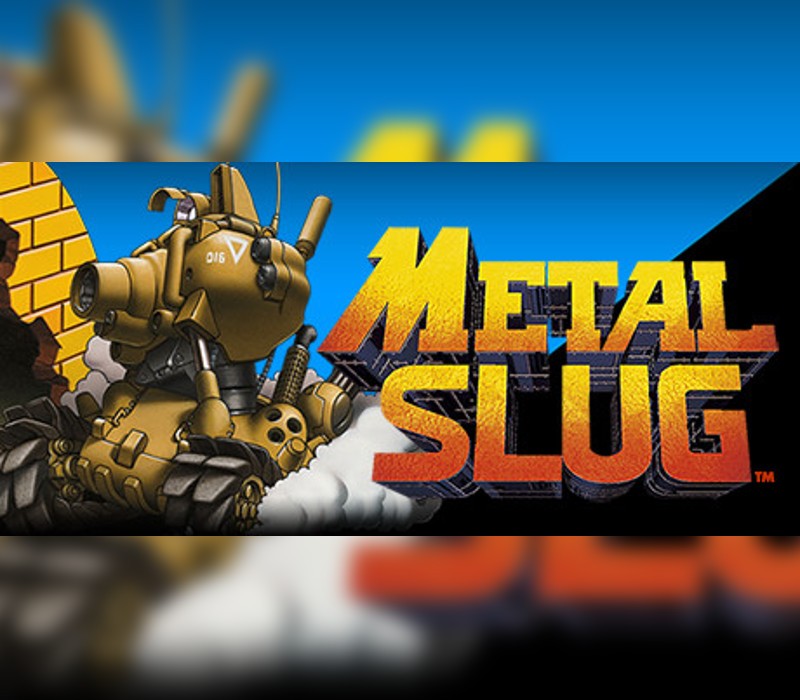
METAL SLUG PC Steam CD Key
Key gerada automaticamente no momento da compra.
Como ativar sua key na Steam
- 1.Abra o cliente Steam no computador (ou baixe em store.steampowered.com).
- 2.Faça login na sua própria conta Steam.
- 3.No menu superior, clique em "Jogos" → "Ativar um produto na Steam...".
- 4.Cole o código recebido e siga as instruções na tela.
- 5.O jogo é adicionado permanentemente à sua biblioteca Steam.
Requisitos de Sistema
Mínimos
- SO
- Windows Vista, 7, 8 Processor: Pentium 4 2.4Ghz Memory: 1 GB RAM Graphics: Intel HD Graphics DirectX: Version 9.0c Storage: 500 MB available space
Informações Importantes
- A chave é de uso único e deve ser ativada em uma conta Steam válida.
- Após a visualização da chave, não é possível solicitar reembolso.
- Verifique a região de ativação disponível antes da compra.
Idioma
- Inglês✓
- Francês✓
- Espanhol✓
- Japonês✓
- Russo✓
- Chinês✓
- Coreano✓
- Italiano✓
Classificação Indicativa
Classificação não informada pelo fornecedor.
Regiões Disponíveis
REGION FREE
Sobre
“METAL SLUG ”, the very first title in SNK’s legendary 2D run & gun action shooting game series where it all began, returns on the Steam gaming platform!
Features ARCADE MODE (MAIN MISSION):Play the original arcade version of “METAL SLUG ” with its charismatic protagonist soldiers Marco & Tarma, maneuver the almighty “METAL SLUG ” tank, and fight your way through the 6 missions of the game to thwart Gen. Morden's evil ambitions! MISSION MODE (STAGE SELECT):Play and enjoy your favorite stages at will!
Train alone or with a brother-in-arms on the missions you have unlocked so far! Engage with a fellow countryman or foreign ally and let the mission begin! SETTINGS:Configure control, language, video display, and sound volume settings for the best “METAL SLUG ” experience on PC.
LEADERBOARDS:Check your current rank & score in “METAL SLUG” at any time, and challenge other players to be the best “METAL SLUG ” soldier in the world!
Método de Ativação
Chave de ativação Steam enviada após a confirmação do pagamento.